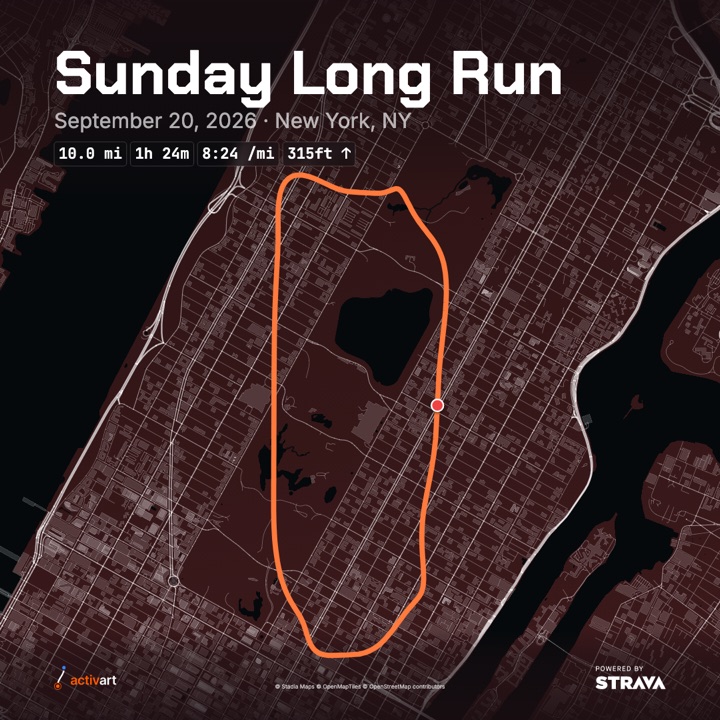
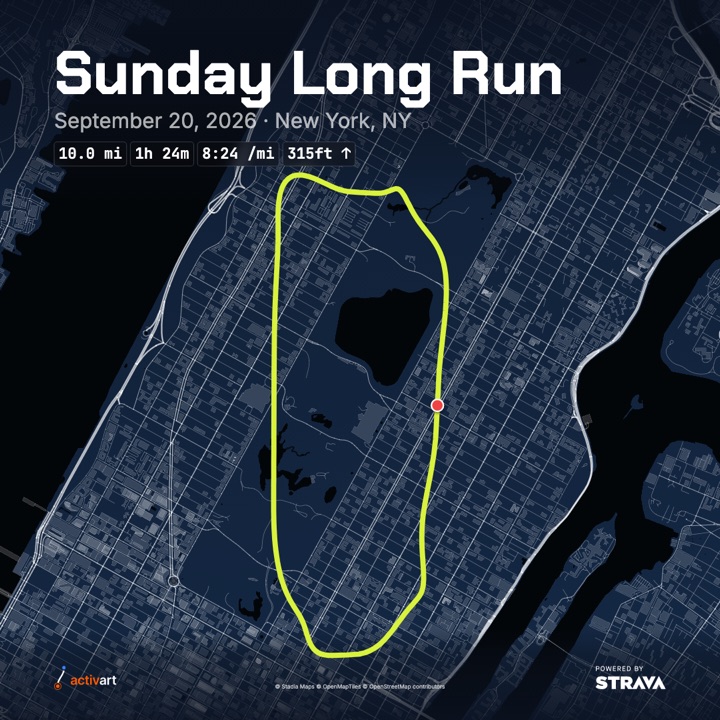
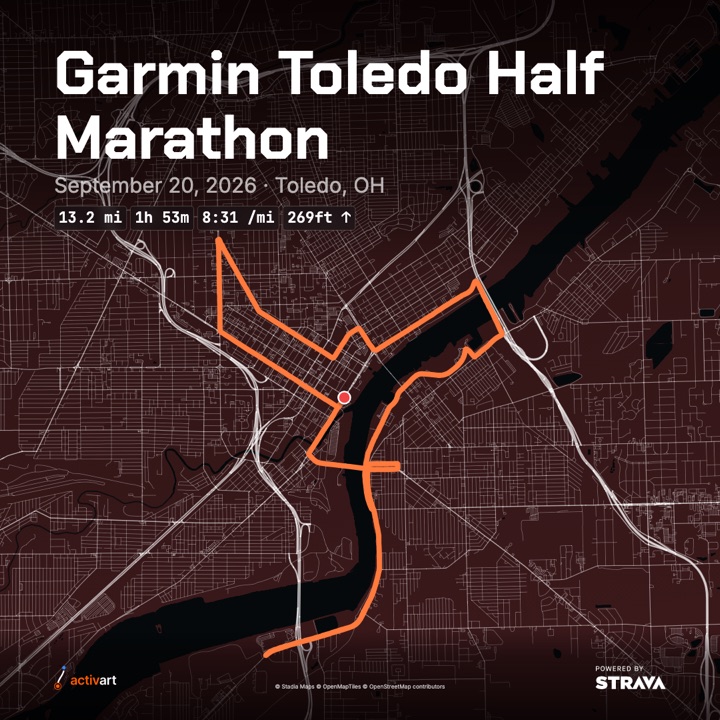
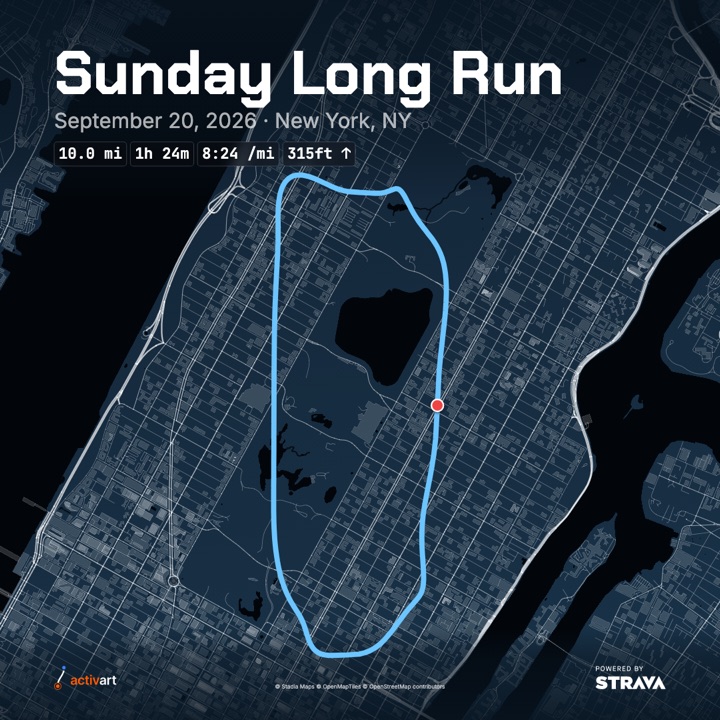
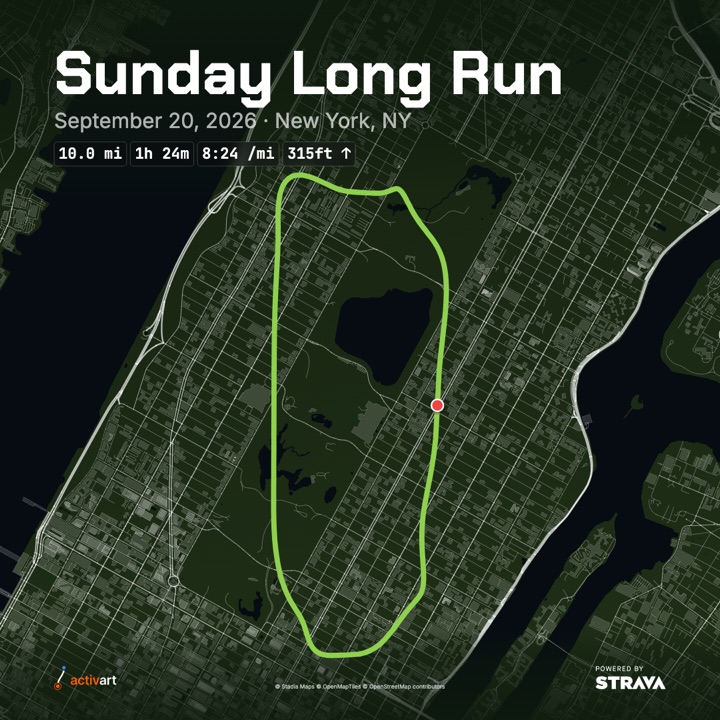
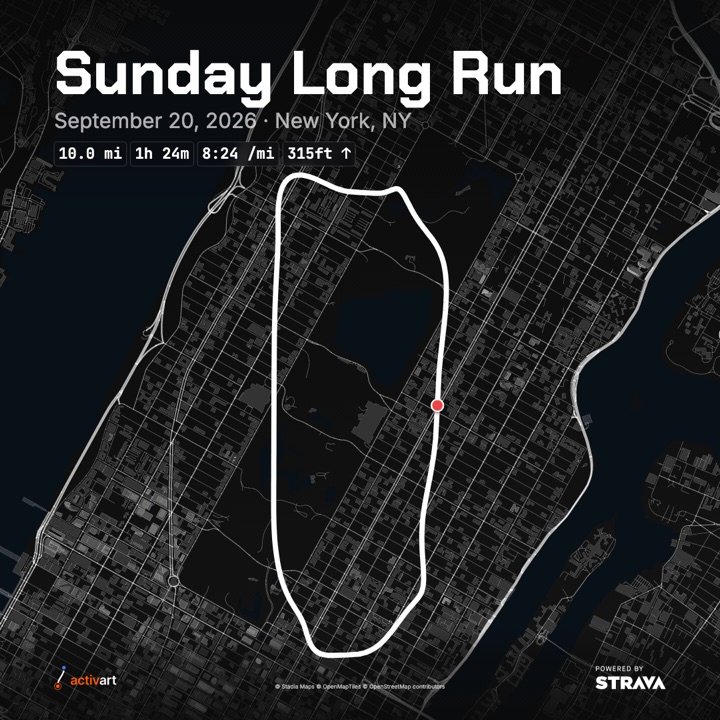
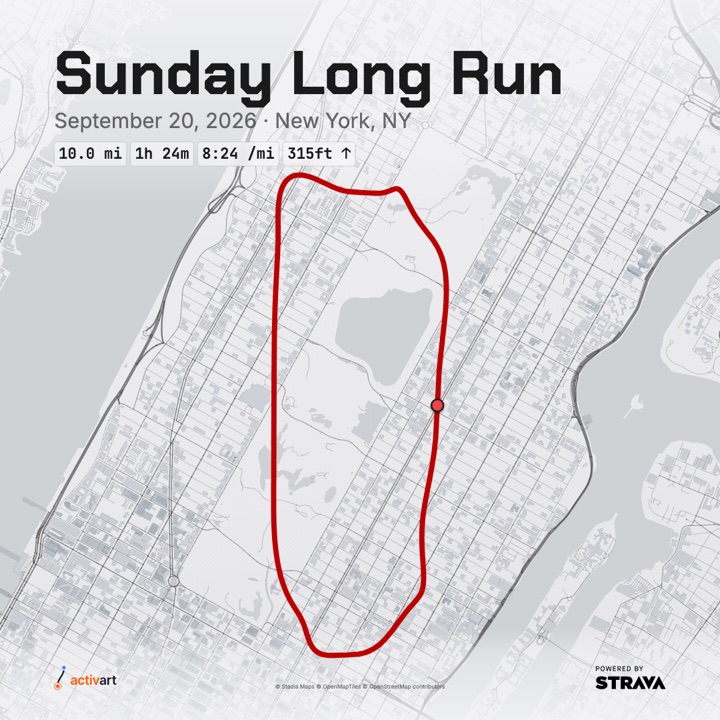
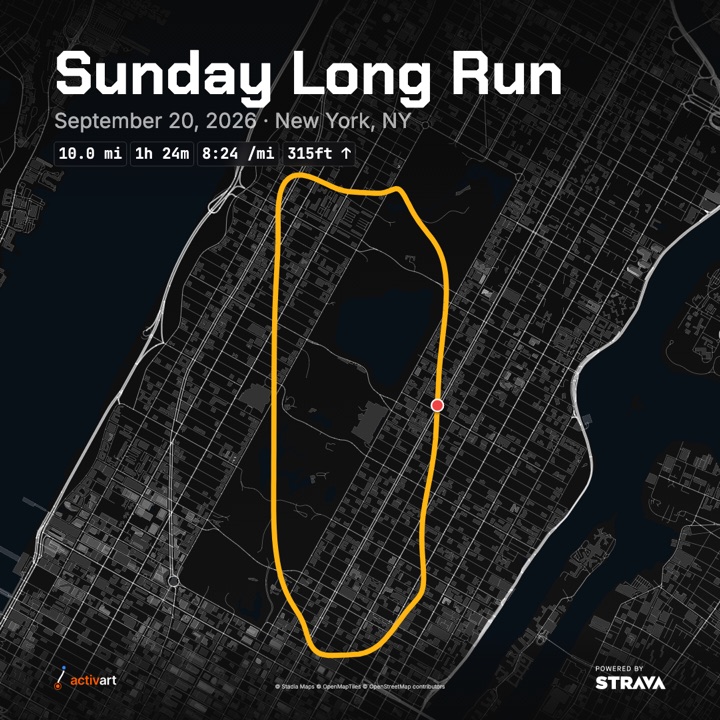
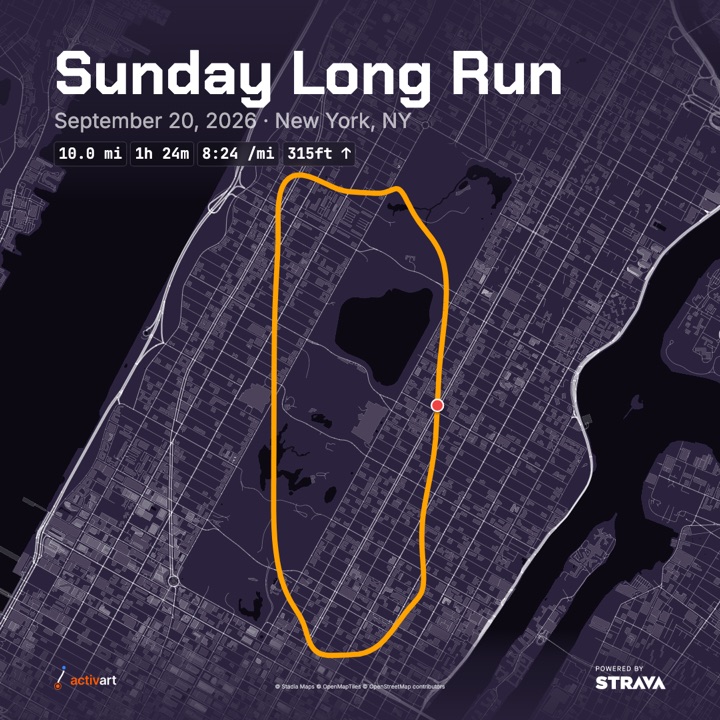
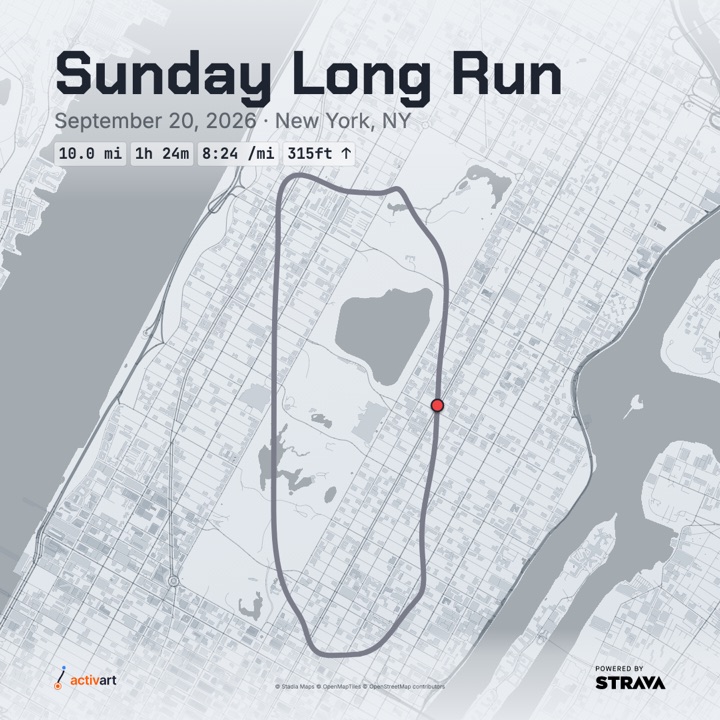
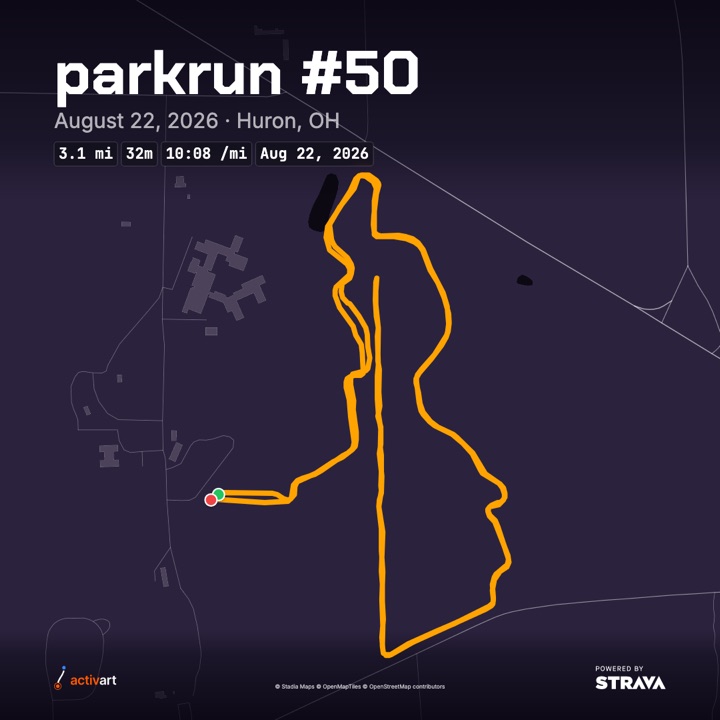
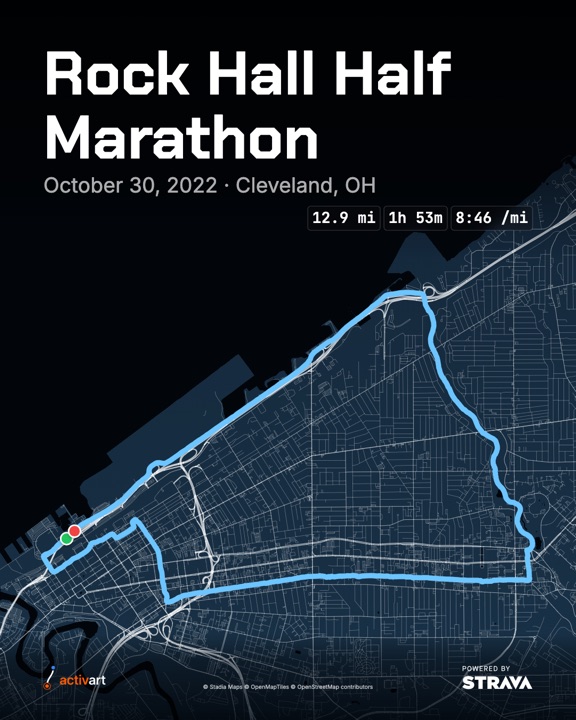
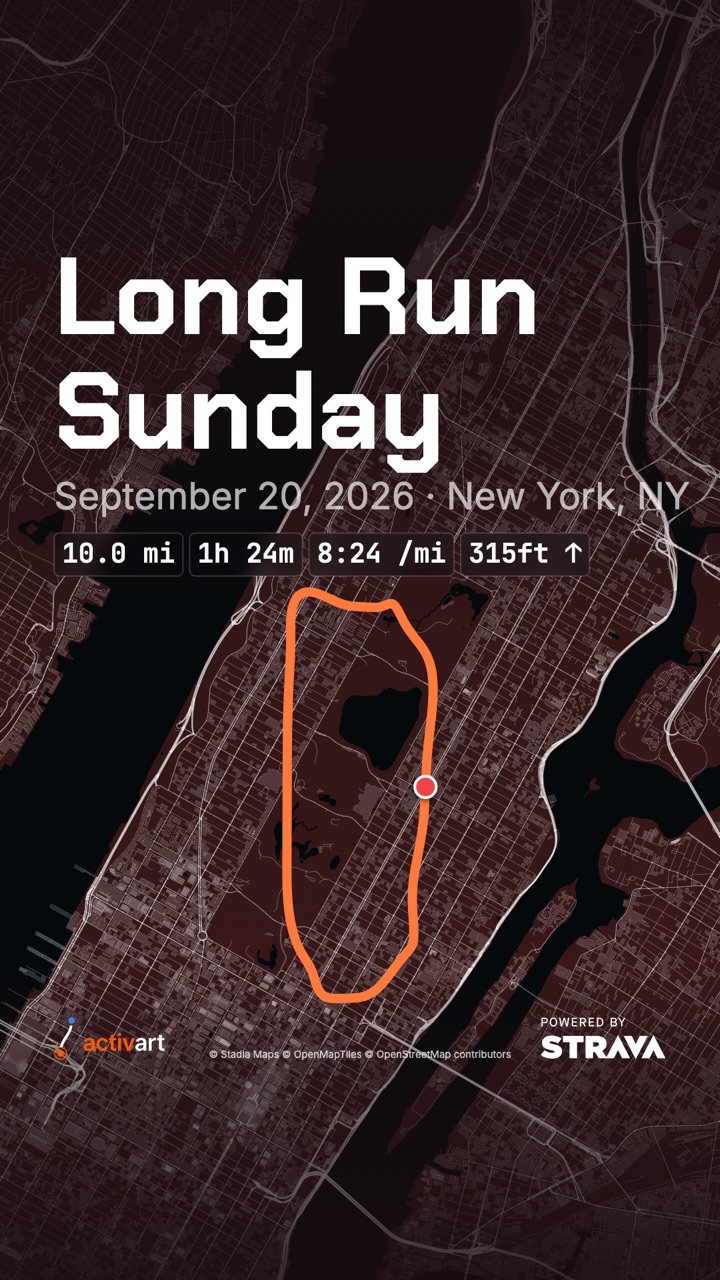
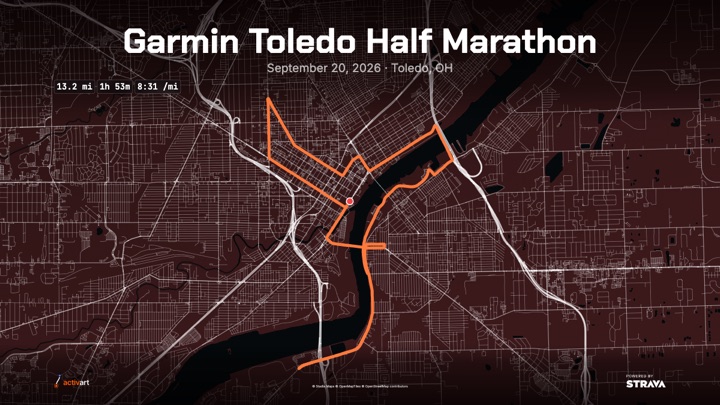
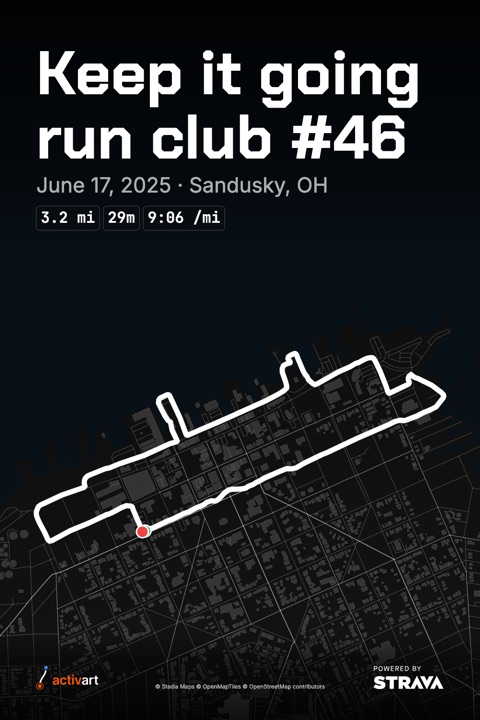
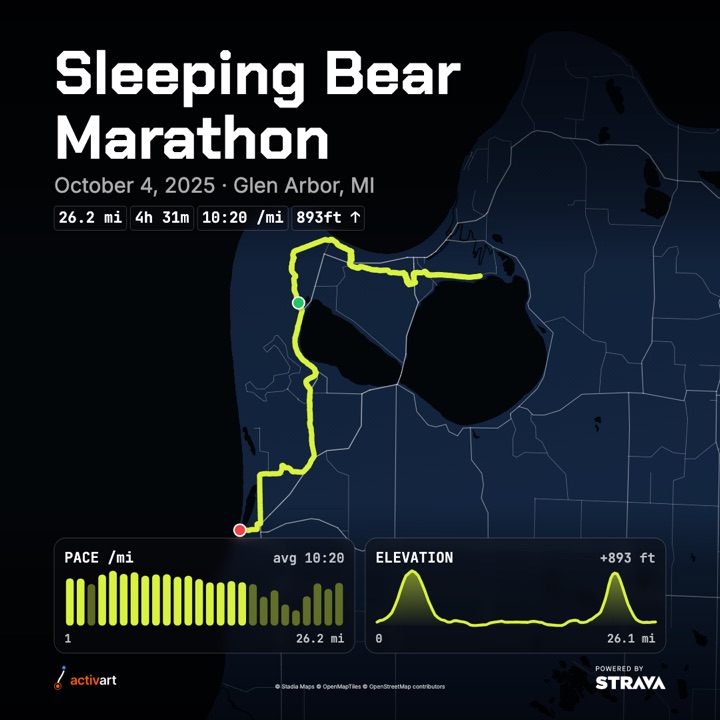
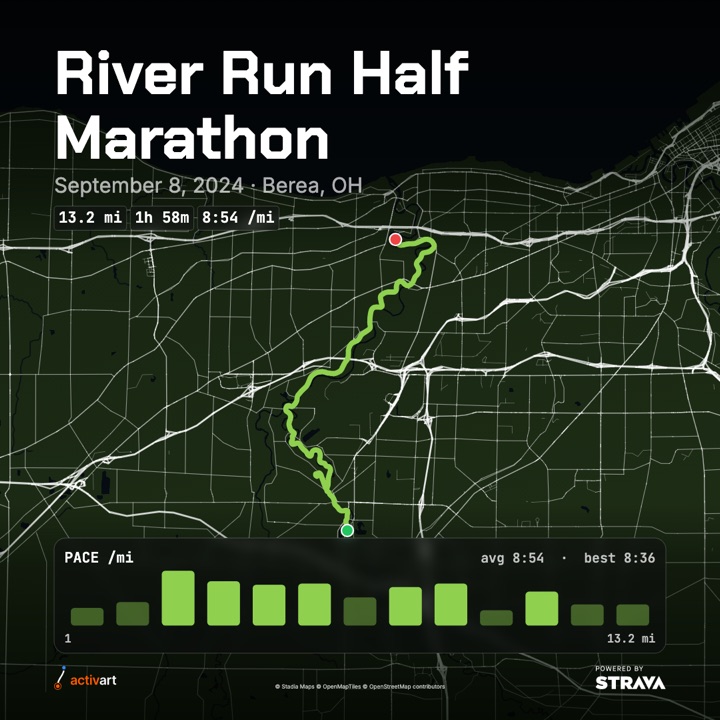
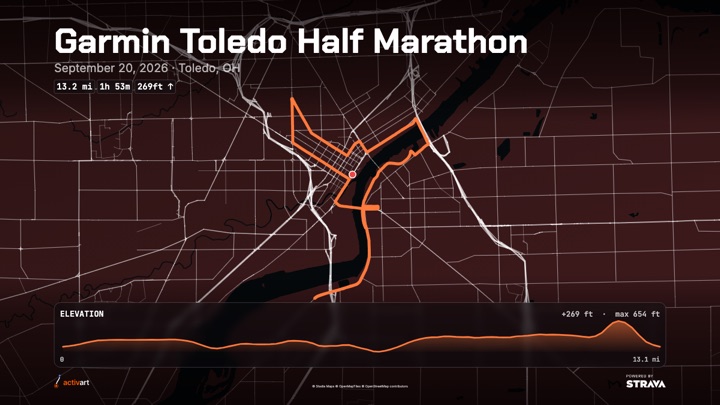
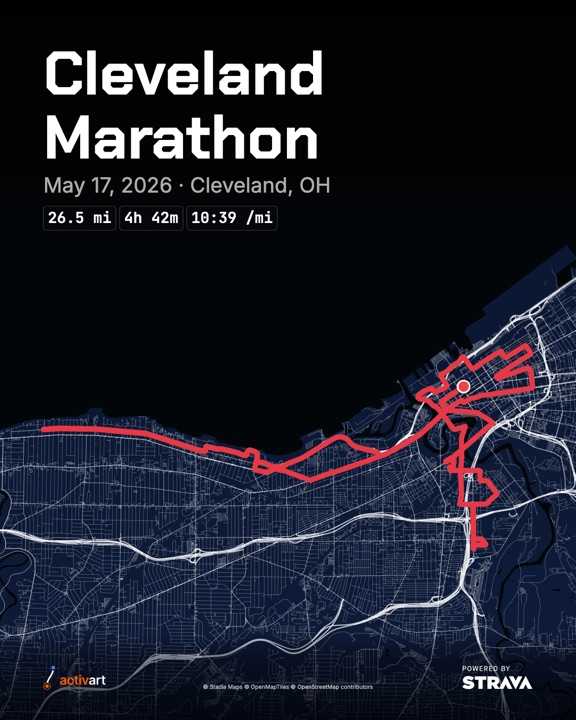
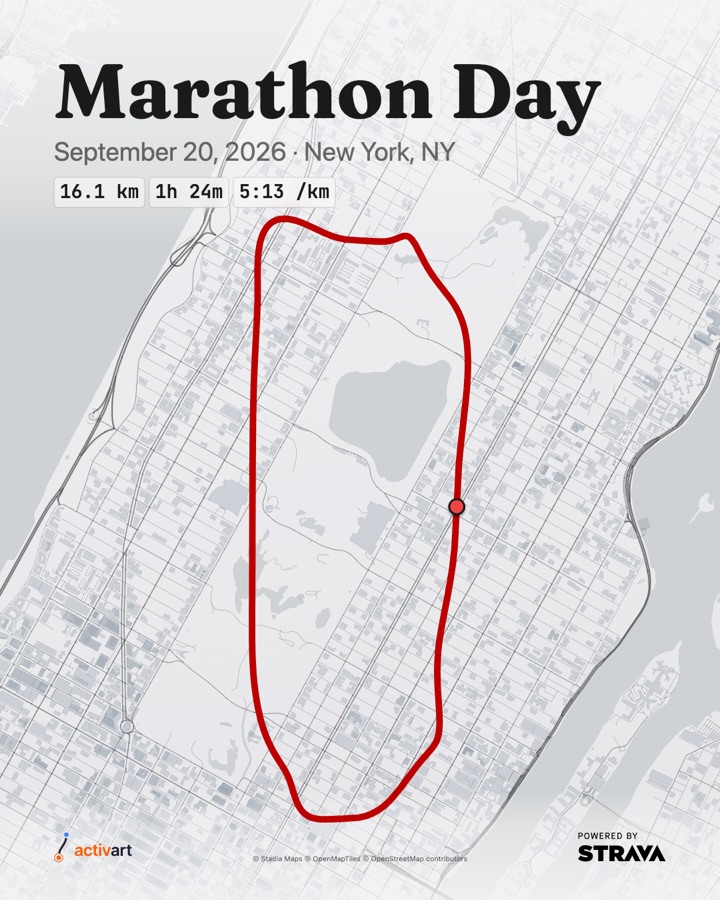
activart is a connector for Claude, ChatGPT and Gemini. Ask for a poster of any Strava activity and get a shareable image: your route on a styled map, a big title, the date and place, and the stats that matter.
Add it in under a minute
activart connects to your AI assistant with this address. You'll sign in with Strava once to allow it to read your activities.
The same address works in all three. Pick your assistant below.
Claude
Open Settings, then Connectors.
Choose Add custom connector.
Name it activart and paste the connector URL above.
Click Add, then Connect, and approve access on Strava's sign-in screen.
In a chat, ask for a poster of your latest run.
Don't see Add custom connector? Your plan or organization may not allow custom connectors.
ChatGPT
Open Settings, then Plugins (under Integrations).
Click Add and choose to add a custom app or MCP server.
Name it activart, paste the connector URL above, and choose OAuth for authentication.
Create it, then Connect and approve access on Strava's sign-in screen.
Make sure activart is switched on in your plugins list, start a new chat, and ask for a poster.
Custom plugins may need Developer mode or a plan that allows them, and menu names change between ChatGPT versions.
Gemini
On a computer, go to gemini.google.com and sign in with a personal Google account.
Click Settings at the bottom, then Connected Apps (if you don't see it, click Personal Intelligence first).
Under Custom apps, paste the connector URL above and click Next.
Follow the prompts and approve access on Strava's sign-in screen.
In a chat, type @, choose activart, and ask for a poster of your latest run.
Connect on the web, not in the Gemini app. Custom apps can only be added at gemini.google.com in a browser; once connected, they also work in the Gemini mobile app. Requires a personal Google account (not work or school) in the US, age 18+, with Gemini Apps Activity turned on.
Try asking
Say it in your own words; the assistant picks the options.
"Make a poster of my most recent run."
"Make a story-size poster of yesterday's ride in the sunset palette."
"Race-day keepsake of my long run on Sunday, titled Marathon Day, serif font, in kilometers."
"Show me my last run in three different styles so I can pick."
Make it yours
Everything below can be changed just by asking. Say it in your own words, and the assistant picks the matching option.
Nine looks, from dark map art to light, print-friendly ones. Every palette works with every size and font. Name one, or describe the mood.
"Use the sunset palette."
"Something calm and cool."
"A light one I can print."
SignatureNavy map, lime route. The default.SunsetWarm plum map, orange route.ArcticDeep blue map, sky-blue route.TrailForest green. Great for trail runs and hikes.MonoBlack and white, minimal.The UniversityLight grey map, scarlet route. Print-friendly.Steel CityBlack and gold.ParkrunDeep purple, amber route. Parkrun brand colors.WinterSoft overcast grey. Light theme.
Pick the shape for where the poster is going. Square is the default.
"Make it a story."
"Portrait size for Instagram."
"Wide, for a slide."
Square1080 × 1080. Feed posts. The default.Portrait1080 × 1350 (4:5). Fills more of an Instagram feed.Story1080 × 1920 (9:16). Stories and phone wallpapers. Text stays clear of Story buttons.Wide1200 × 675 (16:9). Slides, link previews, desktop wallpapers.Pin1000 × 1500 (2:3). Pinterest and prints.
Four typefaces set the mood of the title and stats.
"Use the serif font."
"Make it look like a data dashboard."
"Keep it clean and simple."
Long Run SundayDisplay: squared and techy. The default.
Long Run SundayHelvetica: clean and neutral.
Long Run SundayMono: a data-dashboard feel.
Long Run SundaySerif: an editorial keepsake.
The pills under the title. Choose which to show and in what order. By default you get distance, time, pace and elevation.
"Show just distance and time."
"Add the start time."
"Leave off pace."
Distance10.0 miDuration01:24:00Pace8:24 /miElevation315ft ↑DateSep 20, 2026Start time8:30 AM
Add a small chart strip under the map: your pace for every mile or kilometer, your elevation profile, or both. Charts follow your palette and units. If Strava has no data for a chart (indoor workouts, or no altimeter), it's left off, and your assistant tells you.
"Add a pace chart."
"Show the elevation profile."
"Add both charts, in kilometers."
Both chartsPace bars on the left, elevation profile on the right.Pace chartOne bar per mile or kilometer. Taller means faster, and slower splits are dimmed.Elevation profileThe climbs and descents along your route, with your total gain.
Miles are the default. Ask for kilometers and distance, pace and elevation all switch. You can also change the route's color to anything you like.
"Use kilometers."
"Make the route hot pink."
"Make the route #00c2ff."
Miles10.0 mi · 8:24 /mi · 315ft ↑Kilometers16.1 km · 5:13 /km · 96m ↑
Custom route colorA red route on a dark blue map, on top of the signature palette.KilometersDistance and duration in metric.
A palette is the starting point, not the limit. Recolor or fade almost anything on top of it — the map, the water, the route, the start/finish markers, the title, the date/place line, the badges, even the chart — and align the title, date/place line and badge row left, center or right. Changed your mind about all of it? Ask to go back to the palette you started with, and every custom color resets at once.
"Make the title teal and center it."
"Fade the start/finish markers to half opacity."
"Give the badges a white background with black text."
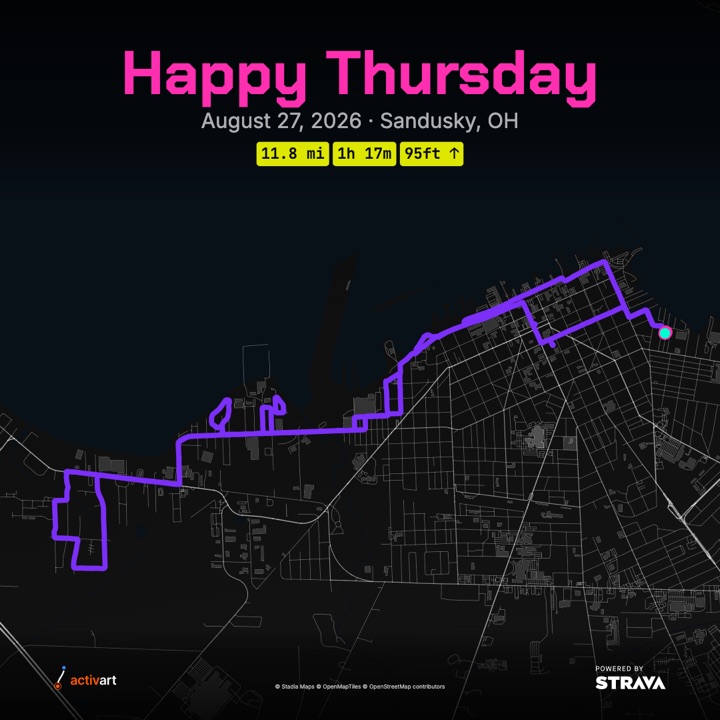
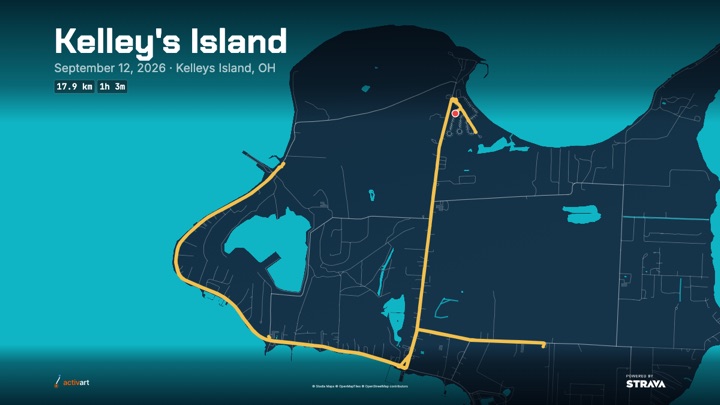
Happy ThursdayMono palette, fully recolored: pink title, purple route, neon badges, everything centered.Kelley's IslandArctic palette with the water and map recolored teal and navy, and a gold route.
Every color and opacity is applied exactly as asked, with no automatic contrast checks — so if two colors you pick are hard to read together, that's on you to adjust.
The title defaults to your activity's name. Strava rarely knows where an activity was, so tell the assistant the place and it goes next to the date. You can leave the date off, too.
"Title it Marathon Day."
"Set the location to Toledo, OH."
"Leave the date off."
"Skip the location."
Marathon Day
September 20, 2026 · Toledo, OH
Titles can be up to 60 characters.
Add your own Strava name and profile photo to a corner of the poster. It's always your real account name and photo, read fresh from Strava for that one poster — never something you type in. No photo set on Strava? Your initial is shown in a circle instead.
"Put my name and photo on it, top left."
"Add my profile photo in the bottom-right corner."
"Take my name and photo off."
JJamie Rivera
top-lefttop-rightbottom-leftbottom-right
Off by default — nothing about you shows on a poster unless you ask for it.
Questions
What is activart?
activart is a connector for Claude, ChatGPT and Gemini that turns a Strava activity into a shareable route-art poster: your GPS route on a styled map, with a title, the date and place, and stat badges such as distance, time, pace and elevation.
How do I add activart to Claude?
In Claude, open Settings, then Connectors, and choose Add custom connector. Name it activart, enter https://mcp.activart.pro/mcp as the URL, then click Add and Connect, and approve access on Strava's sign-in screen.
How do I add activart to ChatGPT?
In ChatGPT, open Settings, then Plugins, and click Add to add a custom app or MCP server. Name it activart, enter https://mcp.activart.pro/mcp as the URL, choose OAuth, and connect with Strava. Menu names can differ by ChatGPT version and plan.
How do I add activart to Gemini?
On a computer, go to gemini.google.com, open Settings, then Connected Apps (or Personal Intelligence, then Connected Apps), and under Custom apps enter https://mcp.activart.pro/mcp and click Next. Approve access on Strava's sign-in screen. The connection has to be made on the web, not in the Gemini mobile app; once connected, it also works in the mobile app. Custom apps need a personal Google account in the US, age 18 or over, with Gemini Apps Activity on.
What does activart ask Strava for?
Read-only access to your activities (Strava's activity:read permission). activart cannot post, edit or delete anything on Strava.
Does activart store my activities or posters?
No. Activities and routes are fetched from Strava live when you ask for a poster and are not saved. The finished poster is held in memory for 15 minutes behind a private download link, then deleted. activart keeps only your Strava athlete ID and access tokens, plus the sign-in records for your assistant, and deletes them on request.
What can I customize on a poster?
Nine color palettes, five sizes (square, portrait, story, wide and pin), four fonts, which stat badges to show, an optional pace chart or elevation profile, miles or kilometers, the title, the location, and whether the date or its activity icon appears. On top of a palette, you can recolor or fade almost anything individually — the map, water, route, markers, title, date/place line, badges and chart — align the title, date/place line and badge row, and reset back to your starting palette at any time. You can also add your own Strava name and photo to a corner. Just ask in plain language.
Can I show my name or photo on the poster?
Yes, if you ask for it — it's off by default. activart reads your real Strava name and profile photo for that one poster; neither is ever typed in. If you don't have a photo set on Strava, your initial is shown in a circle instead. The profile and Spotify card use matching icon and text sizes, even in different corners; they sit next to each other when their selected corner matches and there is room. The profile has no card background or border. See the privacy policy for how long your photo may be briefly cached.
Which activities work?
Any Strava activity that has a GPS route, such as runs, rides and hikes. Activities without GPS data, like indoor workouts or manual entries, cannot be drawn.
Can activart add the poster to my Strava activity?
Not currently. Strava's public API does not let apps add photos to an existing activity, so you save the poster and add it in the Strava app yourself.
Is activart affiliated with Strava?
No. activart is independent and is not affiliated with or endorsed by Strava. Every poster carries a "Powered by Strava" mark.
How do I disconnect or delete my data?
Ask your assistant to disconnect activart: it attempts to revoke Strava access and deletes your stored Strava credentials and all MCP sign-in tokens issued for your athlete account, without a manual waiting period. If Strava revocation fails, it tells you to revoke manually under Strava Settings, My Apps. You can also revoke there directly; we delete these credentials when Strava notifies us. Removing the connector from your AI assistant alone does not delete these credentials. Existing poster links expire after 15 minutes; cached profile photos may remain in memory for up to 6 hours. Copies already saved or held by your AI assistant are unaffected. If automatic deletion does not work, email hello@corunner.io with your Strava athlete ID or profile link.
Keep activart running
activart is independently made, and the servers and map tiles behind every poster cost real money. If it has been useful to you, you can chip in toward the running costs.